Asset Packs
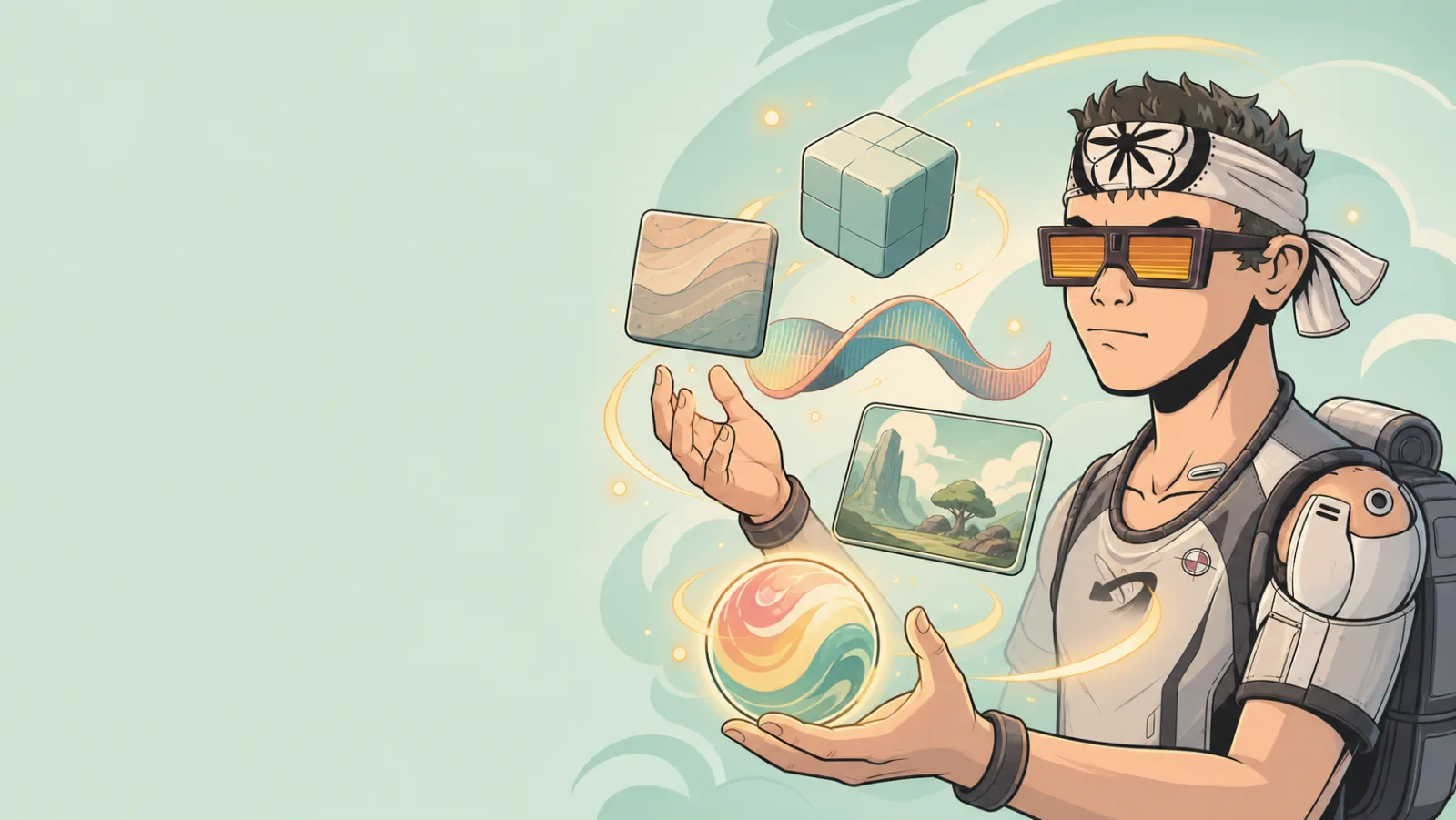
An asset pack is a grouped collection of related building assets. It is useful when several pieces belong together, such as a small forest kit, a set of dungeon props, or a group of matching sounds and textures.
Packs help you organize a creative collection. They do not automatically create a finished scene, route, or game mechanic.
What can be in a pack
Current Building Items creation paths support:
| Creation type | Suitable content |
|---|---|
| 3D item | One 3D model file. |
| Texture | Image-based surface or visual material. |
| Sound effects and music | Audio files for a game moment or atmosphere. |
| Asset pack | A grouped set of 3D models, images, and audio. |
Use a pack when the pieces are intended to be used together. Use an individual item when one asset can stand on its own.
Add a pack to a game
- Browse a pack in the Marketplace or open one from Building Items.
- Review the included assets and decide which ones serve your current player path.
- Add the pack to My Items when it is eligible for that action.
- Make the relevant assets available to the game where you will build.
- Place one or two items first, then test the route before filling the scene.
Treat a pack as a palette, not an instruction to use everything in it. A compact group of well-placed props is usually clearer than a crowded room.
Create a pack for your own work
In Building Items, choose the Asset Pack creation path when your assets belong together. Give the pack a name that tells another creator what it contains and where it fits, such as Coastal Dock Props or Quiet Library Sounds.
Before you save the pack:
- Include only assets that match the same setting or use.
- Give the pack a preview that makes its theme recognizable.
- Check that each included item has a clear name.
- Test representative items at player scale in a real game.
- Keep the first version small enough that someone can understand it quickly.
A simple pack example
For a forest trail, a useful first pack might include:
- one readable trail sign;
- two or three ground props;
- one landmark model;
- one ambient sound;
- one texture that fits the route.
Place the sign and landmark first. If players can already find the route, add the smaller details only where they make the place feel more intentional.
See Marketplace and My Items for the collection-to-game workflow.