Work With Collaborators
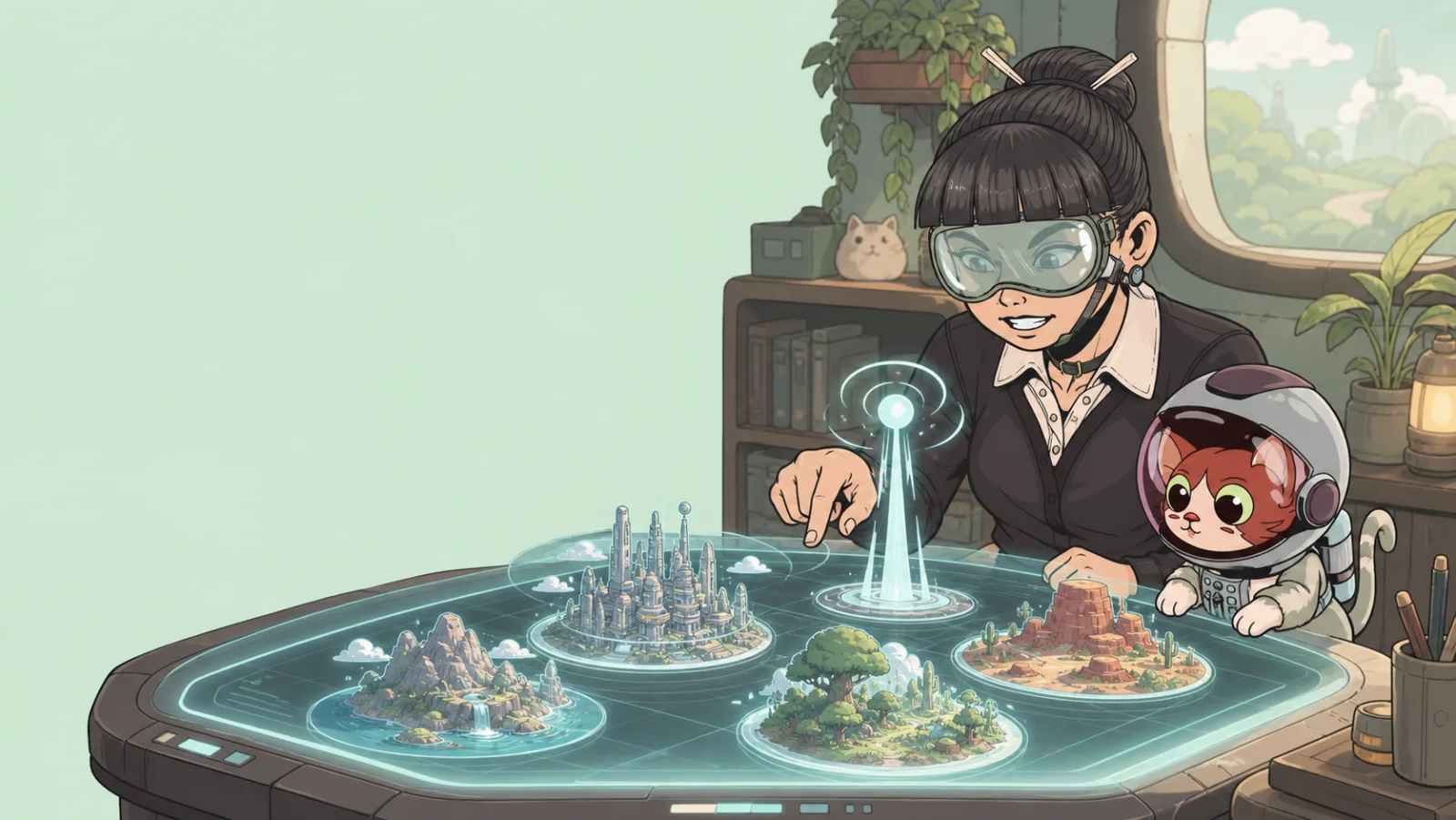
Collaboration works best when a game has a clear owner, a shared goal, and an agreed test plan. Add collaborators only to the specific game they need to help with.
Add a collaborator
- Open the game in My Games.
- Open its collaboration or access controls.
- Find the person you want to add and confirm the access you intend to give.
- Tell them what part of the game they should work on before they begin.
The exact options can depend on your access level and the game’s configuration. If you cannot change the collaborator list, ask the game owner to manage access.
Agree before editing
Before two people change the same game, decide:
- Who is responsible for the player path and release decision.
- Which area, items, or interactions each person owns.
- How you will name shared items and values.
- When you will test together.
For example, one collaborator can own the environment while another owns the task logic. Both should test the complete player route before publication.
Work safely in a shared game
- Make small, easy-to-explain changes.
- Tell the owner before moving or deleting a shared item.
- Use clear names for portals, spawn points, and score labels.
- Do not publish a shared game without the owner’s agreement.
- Leave a short summary of what you changed and what still needs testing.
When a collaborator no longer needs access
The game owner can remove them from the collaborator controls. Remove access promptly when a project handoff is complete, then make sure the remaining owner can still test and publish the game.
See Game states in My Games for the difference between a game you own and one shared with you.