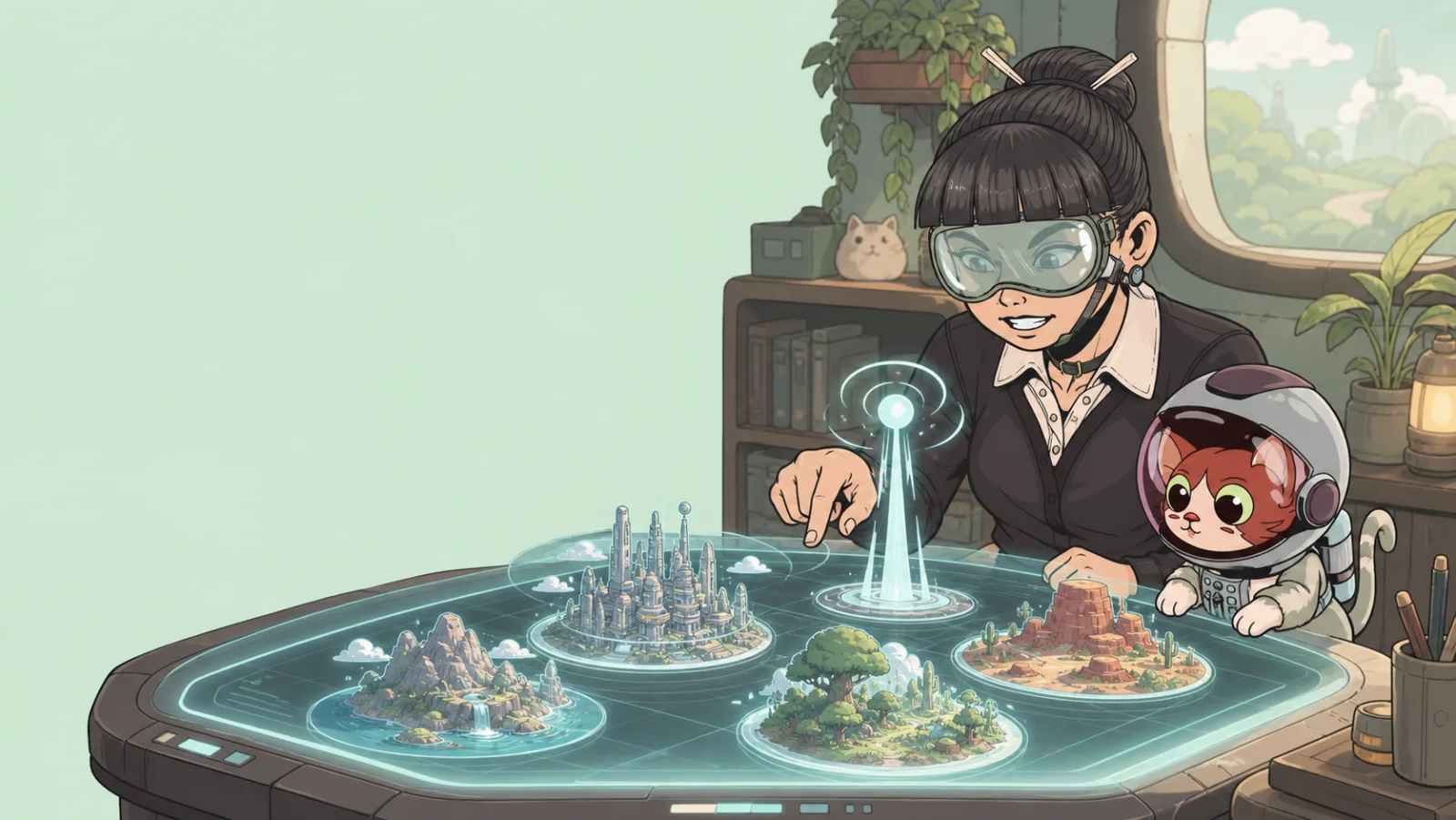
Templates
A template is a useful starting point for a new game. It gives you a scene and starter content so you can spend your time changing the experience instead of beginning with a blank world.
Choose a starting point, not a final answer
When you create a game, choose the template that is closest to your goal in one or two important ways:
- The kind of environment you need.
- The scale of the player path.
- The items you expect to replace or keep.
- The mood you want players to feel when they arrive.
It is normal to delete, move, or replace most of a template. The template’s job is to get you moving.
Available template sources
The create flow can show Portals templates and templates you already have access to. Review the preview and title before creating the game so you know what you are starting with.
Customize immediately
After creation, make the experience yours:
- Move the player start to the intended first moment.
- Replace the most visible landmark.
- Remove anything that gives players the wrong impression about your game.
- Add one interaction that supports the real goal.
Turning a game into a template
My Games includes a flow for submitting a game as a template. Only do this when the project is a clean, reusable starting point rather than a game with unfinished private logic or player-specific content. Give it a clear title and description so other creators understand what it is designed for.
Publishing a template and publishing a game are different decisions. A template should be easy for another creator to adapt; a game should be ready for players to experience.