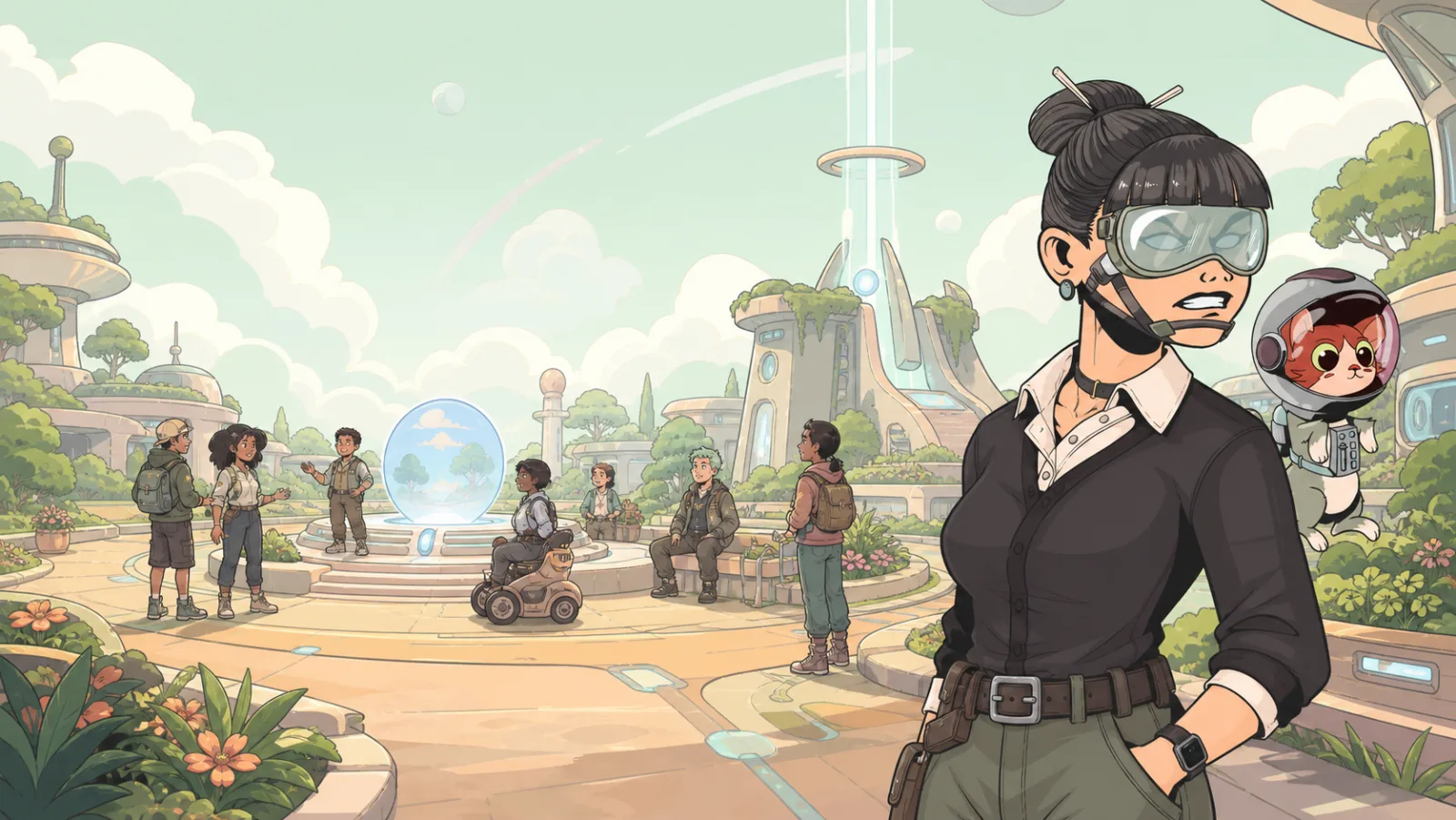
In-Game Social Tools
Portals games can make player-facing tools available inside the experience. The tools you see depend on the game and its settings, so do not assume every game offers the same options.
Backpack
Some games use a backpack to let players hold or manage items during the experience. If a game gives you an item, use the backpack only as the game’s instructions describe. An item in one game is not automatically part of every other game.
For creators, make the first use of a backpack item obvious: show what the item is, where a player can use it, and what changes after they do.
Text chat
Text chat can let players communicate while they are in a game. A game creator can choose whether it is available.
Keep messages clear and respectful. If you are building a social game, make sure the player path still works when someone chooses not to chat. Important directions should appear in the world or game interface, not only in a chat message.
Voice
Voice availability can vary by game. If voice is offered, a browser may ask for microphone permission. Use it only when you are comfortable doing so and follow the expectations of the game you joined.
Creators can configure communication behavior for a game. Test the player experience with voice unavailable as well as available, so the core route does not depend on a player speaking.
Emotes
Emotes are visual gestures that can make a social moment easier to read without typing. They can be shown or hidden by a game’s settings.
Use emotes as optional expression, not as the only way a player can understand a required interaction. A game should still communicate a goal through layout, instructions, and feedback.
Build for more than one communication style
When a game includes social moments, make room for different player preferences:
- use a visible instruction for key objectives;
- allow players to understand the route without speaking;
- keep important feedback inside the game, not only in chat;
- use Safety and Reporting when a problem needs attention.